


Drawing a process vs. modeling a process
Drawing a process
This involves placing boxes and arrows to illustrate an idea. Symbols are chosen based on personal preference, without any standard conventions. The result depends on who opened the file that morning. It is difficult to reuse, impossible to audit, and rarely updated.
Modeling a process
This is something else entirely: you define the actors, inputs, outputs, decision points, and exception conditions. The diagram becomes a reference document for onboarding a new employee, responding to an audit, or identifying a bottleneck. It has a version, an owner, and a date.
Visio supports this approach with preconfigured templates: flowcharts, business processes, and swimlanes to distinguish responsibilities by actor or department. Shape templates impose a structure. You no longer draw freely; instead, you choose from standardized elements: activity, decision, input/output, start/end. For organizations following the BPMN 2.0 standard, compatible templates are available within the application.
The transition from “I draw” to “I model” is not automatic. It requires a method that the tool alone does not provide.
Ready to take the leap? Our training course Use Visio for processes, maps, plans and more helps you transform your homemade diagrams into usable, versionable, and shareable process diagrams in Microsoft 365.
What Visio Makes Possible
- Dynamic connectors adjust automatically when you move an element—no more manual repositioning after every change.
- Alignment and distribution features produce clean diagrams without any layout work.
- Real-time co-editing in the web version allows multiple people to work on the same file from Teams or SharePoint.
- Diagrams can be embedded in Word or PowerPoint for internal distribution.
These features are there... but most users only utilize a small fraction of them, simply because they haven’t seen them in context.
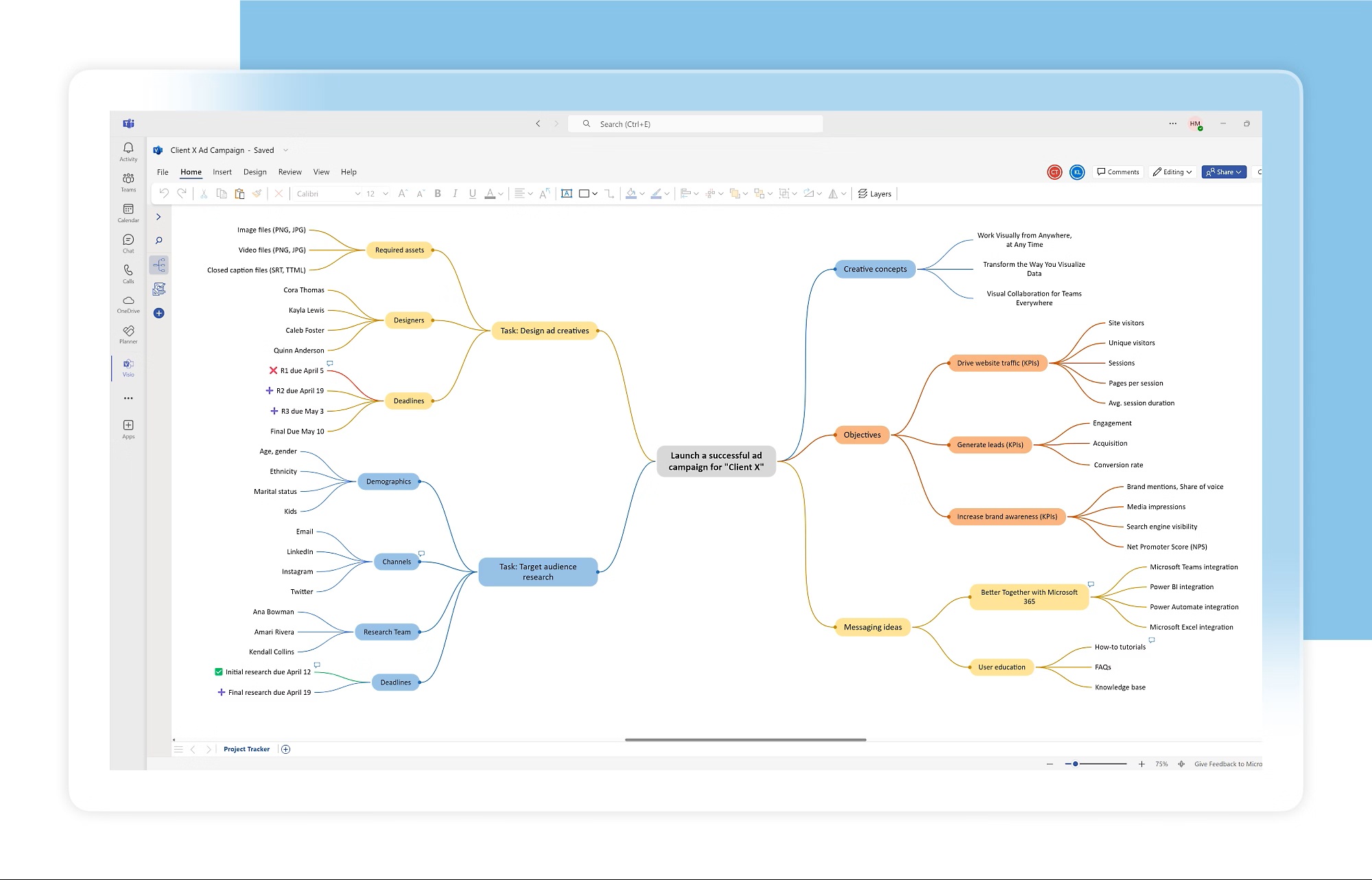
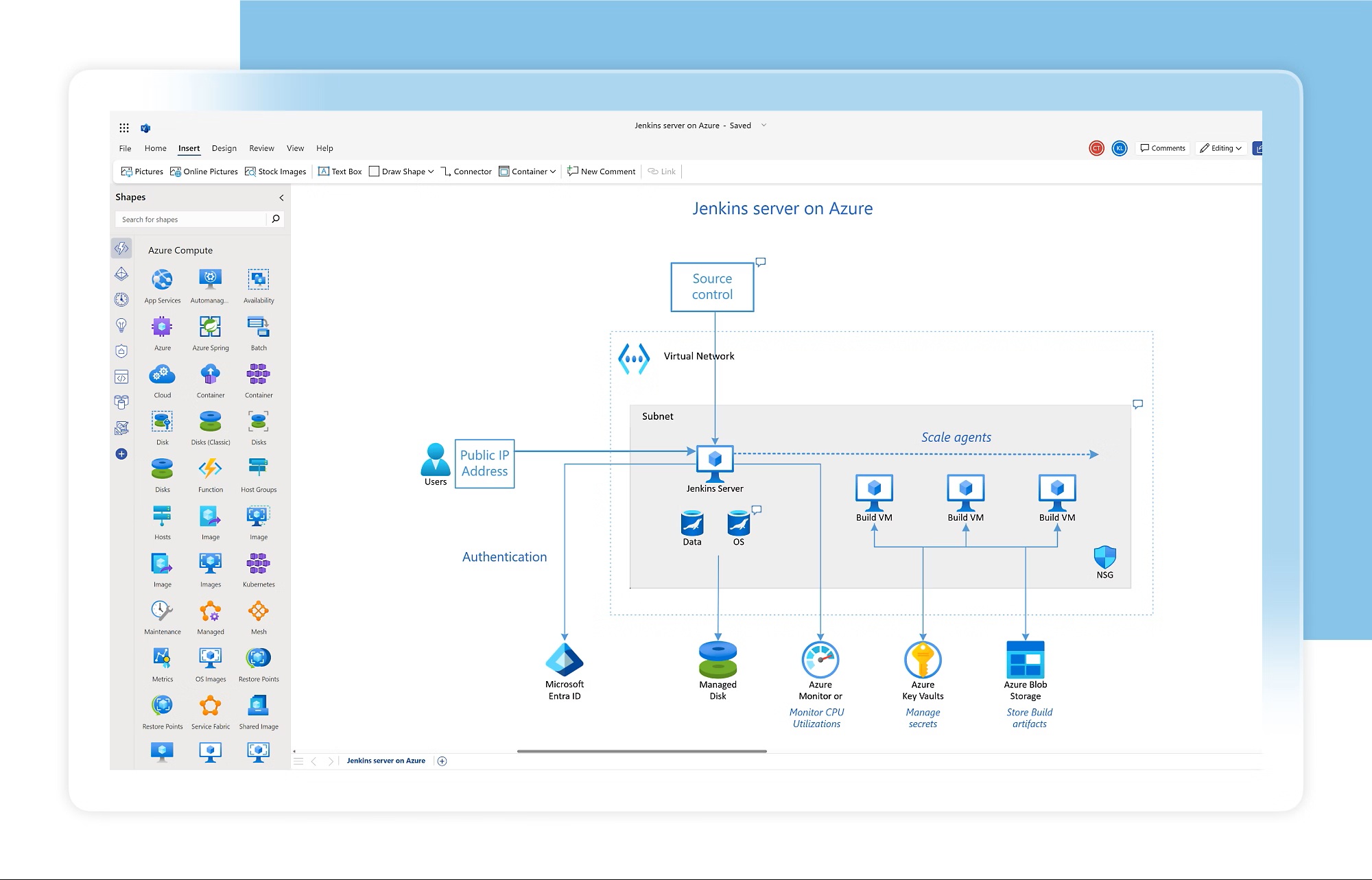
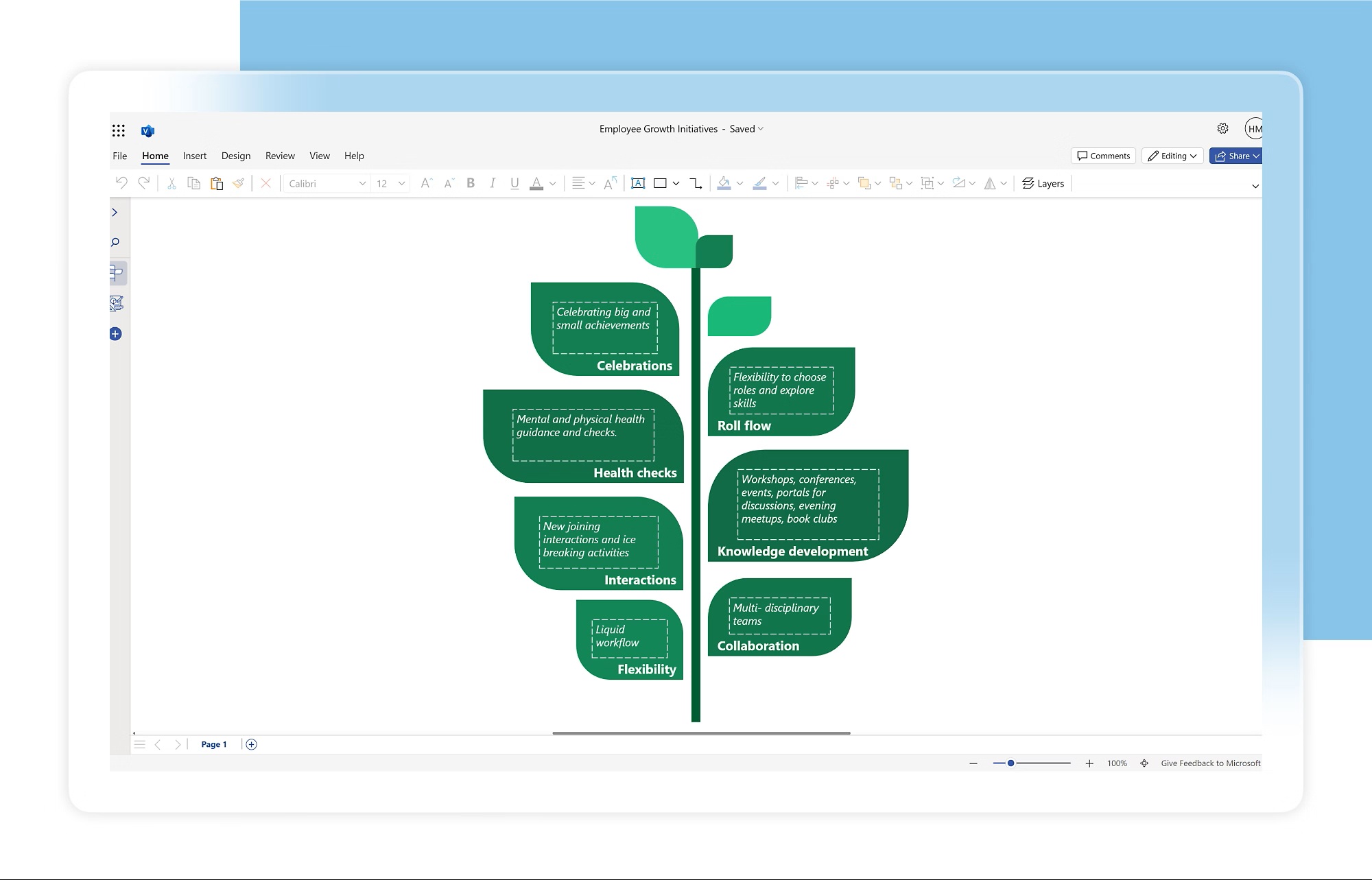
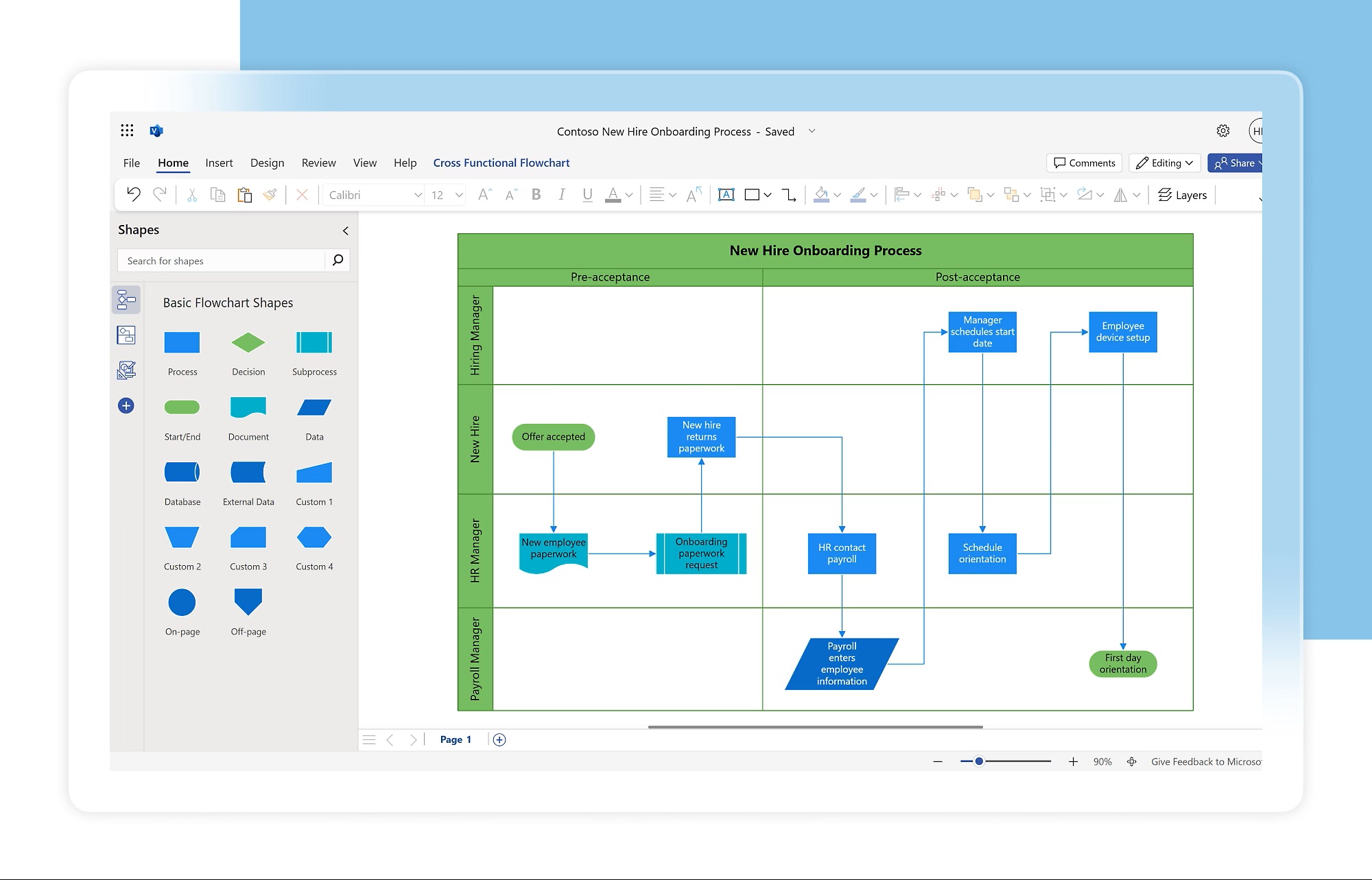
(Source image : Microsoft)
Two practices that transform the quality of a diagram
A diagram that tries to show everything in a single view won’t be read.
Two levels:
- a macro view of the process
- and detailed sub-processes
are better than an unreadable page. Visio facilitates this organization, provided you think about it before you start.
Another reflex that’s often missing: tailoring the diagram to its audience. A diagram intended for an operator doesn’t have the same level of detail as an analysis document for a quality committee. The level of detail is a decision, not an accident.
Visio clarifies your processes, and that’s what most SMEs need.
Visio does not drive process execution or generate real-time dashboards; that is not its function. But for an organization that wants to bring order to its documentation, reduce its reliance on key individuals, and lay a solid foundation before moving forward, this is exactly what is needed. The tool is part of the Microsoft 365 environment your teams are already using.
All that’s left is to use it consistently.
By the end of the training, you’ll know how to create professional diagrams using the right templates, structure clear and consistent processes with standardized forms, design manual or data-linked flowcharts, leverage form data to enrich your diagrams, and share your visuals in Microsoft 365 without spending all day on it.
➡️View upcoming dates and reserve your spot